“Check out the amazing new feature that changes the lighting in an image. Colin Smith shows you how to use this lighting tool on a flat image as well as how to match dramatic lighting in a composite.”
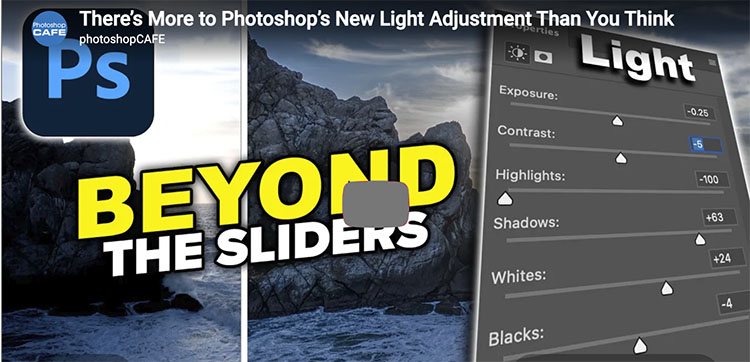
Photoshop’s new Light adjustment brings Exposure, Contrast, Highlights, Shadows, Whites and Blacks directly into an adjustment layer. But there’s more to it than just moving six sliders. In this deep dive, Colin Smith from PhotoshopCAFE shows how to use the new Light adjustment to recover highlight and shadow detail, control dynamic range, stack adjustments, use masks for targeted edits, and get more control than you might expect. I’ll also explain why Shadows and Highlights temporarily disappear when you edit layers underneath the Light adjustment.
Second, Jesus Ramirez shows you …
How to use the Light adjustment layer in Photoshop
How to bring back the Brightness/Contrast adjustment layer
How to read a histogram to compare Brightness and Exposure
How to stop the Light adjustment layer from pausing
How to use clipping masks and layer masks with a Light adjustment layer
How to use Blend If on an adjustment layer
How to compare Photoshop’s Light sliders to Lightroom with a Difference blend
“See the most useful abd the most wild new features in Photoshop beta 2026 September, Dynamic layers and before and after preview. Colin Smith shows you how to use the new features in Photoshop.”
Photoshop 2026 update, new features in August 2026 release of Photoshop. Colin Smith shows you all the new features in Photoshop.
00:00 Intro
00:29 The Light Panel
02:05 Light Glows
04:10 Proper explanation of the styles: diffusion, bloom and halation
06:30 Freeform Dynamic Text
07:41 Ai assisted Pro Editor workspaces
10:04 New ai markup + annotation tools
12:05 Generate inside masks, updated image 5 Model
“PhotoshopCAFE Colin Smith shares 7 powerful new Photoshop tips in 2026. Lots of new features have been added to Photoshop; it’s time for new Photoshop tips!”
00:00 Intro
00:10 Refining auto selection, Object select
01:24 Adjust Colors, Refine selections
02:38 Remove tool modes
04:22 General Distractions, ignore model box
05:11 Use correct AI model
06:34 Checking Generative Credits
07:19 Contextual Taskbar tips
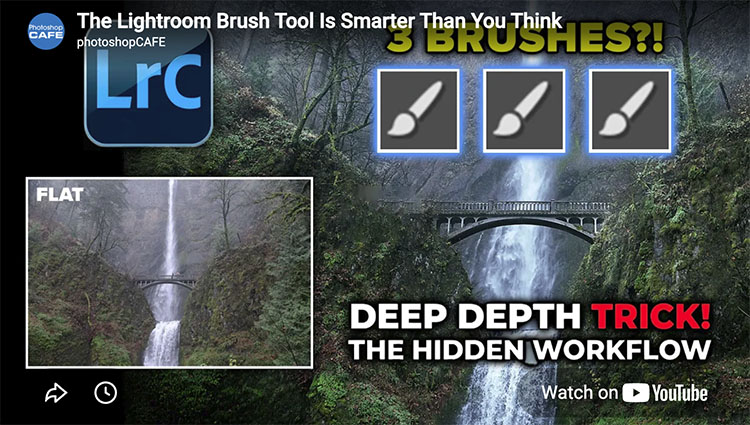
“Most Lightroom users don’t realize there are actually 3 different brush behaviors hiding inside Lightroom Classic—and they completely change how you dodge and burn a photo. In this tutorial, Colin Smith shows how to use Lightroom brushes to add depth, shape, and dimension while revealing some surprisingly overlooked brush features that make editing faster and more precise.”
I’ve been waiting for these features for some time. They’re
“Adobe just added a new mask edge refinement tool to Camera Raw, and at first glance it looks like it solves a long-standing masking problem. But there’s a catch. In this tutorial, Colin Smith shows how the new edge control works, where it succeeds, where it fails, and the techniques you can use to get clean, professional mask edges when working with architecture, trees, foliage, and other difficult selections. You’ll learn: How the new Edge control works Why some masks still produce rough edges How to refine AI masks for better results A powerful trick for fixing tree and foliage selections How to get cleaner, more natural-looking adjustments If you’ve already seen this new feature, there’s a good chance you missed the most important part.”
“Photoshop can now rotate any object in a photo and fill in what the camera never captured! You have to see this!”
“Rotate object allows us to turn a photo into a posable 3D object within Photoshop beta. Colin Smith shows you how to use one of the most powerful compositing tools to ever come to Photoshop.”