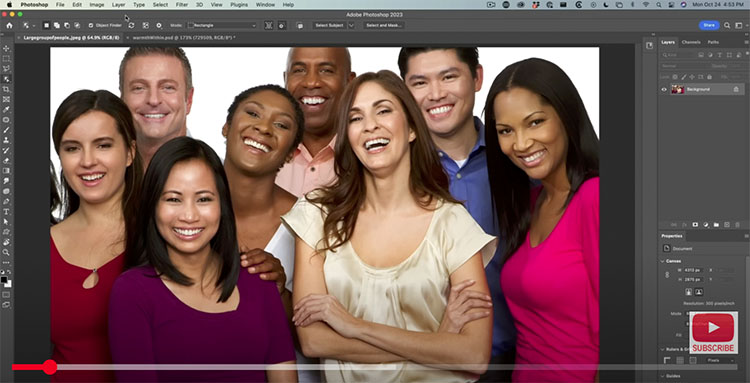
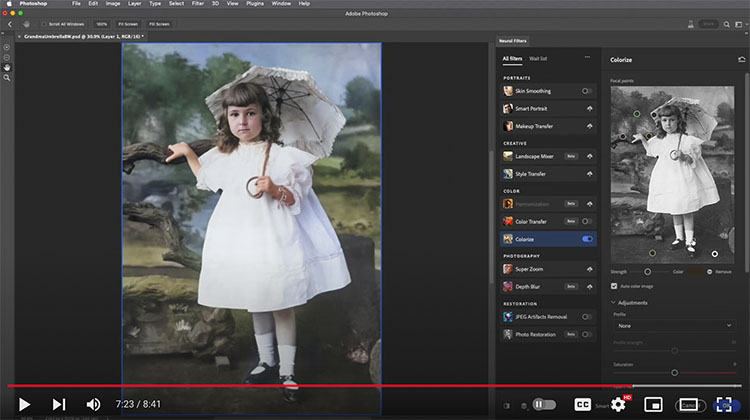
How To Use Photoshop’s Photo Restoration and Colorize Neural Filters


.
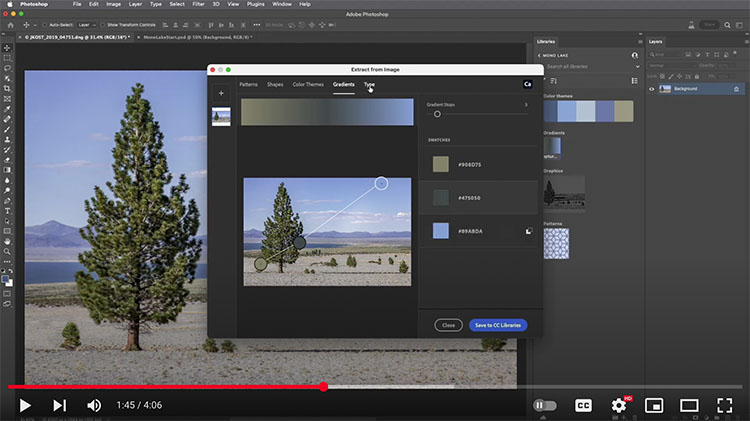
“The Extract From Image feature in Photoshop’s Libraries panel is a fast and easy way to extract seamless patterns, vector shapes, colors, gradients, and character attributes. This video demonstrates how easy it is to start creating assets. Note: on mobile devices, you can use the Adobe Capture app to capture and upload all of these types of assets as well as brushes, looks (color lookup tables), audio, and 3-D materials!”
Learn more from Julieanne Kost here.
Learn more in my digital photography and digital printing workshops.

.
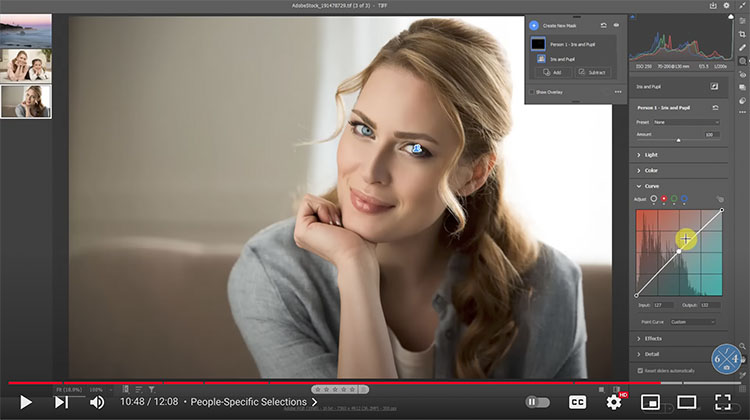
See the top new features in Camera Raw & Photoshop 2023.
Find out more from Colin Smith at Photoshop Cafe.
Learn more in my digital photography and digital printing workshops.
.
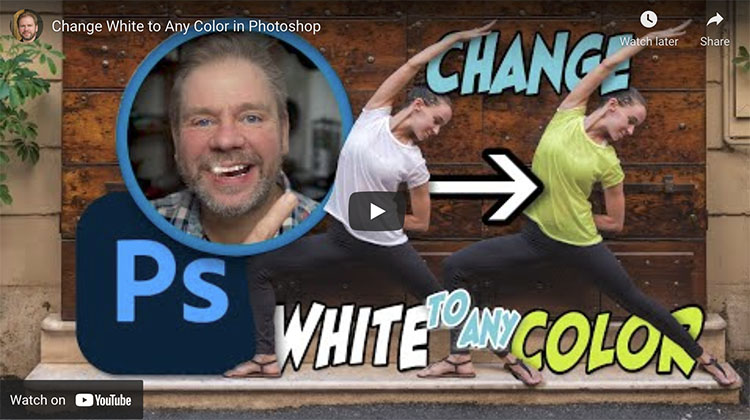
Learn three methods for adding color to white objects. The first two are the most common approaches, which to my eye do not look professional, so I’ll show you how to improve their results. The third approach is the highest quality and least common method and is the only one that involves zero guesswork to produce very professional-looking results.
Check out more of Ben Wilmore’s Digital Mastery here.
Learn more in my digital photography and digital printing workshops.
.
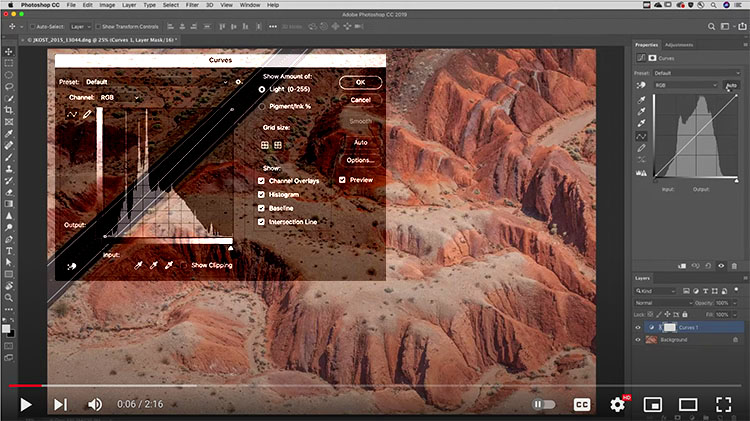
The colors that appear in Lightroom, ACR, and Photoshop’s histograms can be useful to detect color casts, determine if detail is being lost, and know more about the colors that make up an image. I start by blindly interpreting a bunch of histograms while I cannot see the image that it represents (but you can). I then explain how basic color works and how that relates to the colors that appear in the histogram.
Check out more of Ben Wilmore’s Digital Mastery here.
Learn more in my digital photography and digital printing workshops.