“In this video, Julieanne walks through the new features in Adobe Camera Raw 18.3. You’ll learn how to make depth-based selections, correct anamorphic images, reduce wide-angle distortion, and apply film-inspired presets. These updates provide more control for both technical corrections and creative adjustments.”
“Join Julieanne Kost for an in-depth look at the latest innovations in Adobe Camera Raw 18.4. Discover how the next-generation Select Subject technology delivers dramatically improved mask accuracy for challenging subjects, explore the new bidirectional Linear Gradient for more flexible local adjustments, learn how the powerful new Vectorscope provides an objective way to evaluate and refine color, and more! Along the way, Julieanne demonstrates advanced masking refinements, improved background selections, enhanced Lens Blur accuracy, natural skin-tone correction workflows, Generative AI-powered removal of transparent areas, HDR workflow improvements, and significant performance gains for Denoise on Apple Silicon systems. Whether you’re a photographer, retoucher, or creative professional, this comprehensive overview will help you take full advantage of Camera Raw 18.4’s latest tools and AI-powered enhancements to achieve faster, more precise, and more creative results.”
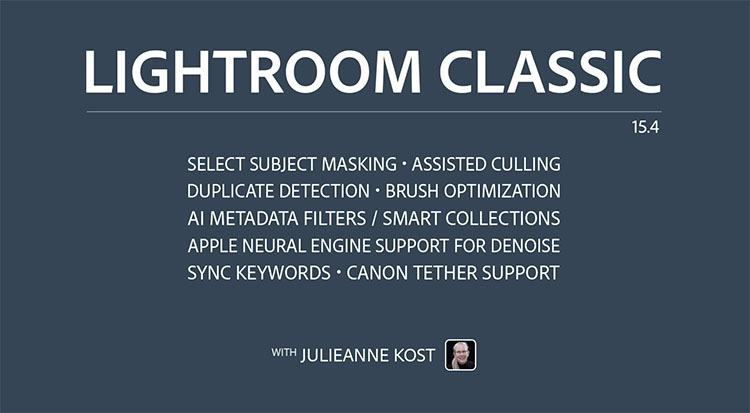
“Discover what’s new in Lightroom Classic 15.4 with Julieanne Kost. In this video, you’ll learn about eight new features and updates designed to improve your editing workflow.
Highlights include:
• More accurate Select Subject and Background masking
• Enhanced AI Assisted Culling with per-person Eye Sharpness and Eyes Open scoring
• New Duplicate Detection across catalogs, folders, and collections
• Faster Denoise performance on Apple Silicon Macs
• Improved Brush responsiveness in Masking
• New AI Edit and Masking filters for Metadata and Smart Collections
• Bidirectional Keyword Sync between Lightroom Classic, Mobile, and Web
• Expanded Canon tethered capture support”
“In this tutorial, Julieanne Kost walks through three updates in Camera Raw: New Edge and Feather Refinement sliders for AI masks (including Sky, Subject, Background, Landscape, and People masks), Color Grading controls now available within local masking for targeted creative adjustments, and an extended Temperature Range for White Balance. Follow along to see how these enhancements give you more precision and creative control over your edits.”
“Photoshop’s most recent release brings a mix of powerful AI upgrades and practical workflow improvements to help you work faster and smarter. In this video, Julieanne presents a clear walkthrough of updates like Distraction Removal, Dynamic Text, Rotate Object, and Layer Clean-Up. She also covers the latest generative AI enhancements, including Instruct Edit, third-party model reference image support, Firefly Boards integration, and how to track and view Generative Credits. All of these features are available now in the current release of Photoshop 27.6, and are also included in the Photoshop Beta.”
“In this video, Julieanne explains the recommended order for applying AI-powered edits in Lightroom Classic to help you work more efficiently and avoid unnecessary reprocessing. You’ll learn when to use Denoise, Remove, Lens Blur, and AI masking so your edits stay flexible, accurate, and frustration-free.”
“In this video Julieanne demonstrates when to use Clarity, Dehaze, and Grain to increase or decrease edge contrast, add or subtract atmospheric perspective, and create structure through grain to seamlessly blend layers.”
“In this video, you’ll discover the advantage of using the new Generative Upscale feature in Photoshop when increasing the size of an image using Firefly Upscale, Topaz Gigapixel, and Topaz Bloom.”
“In this video, Julieanne walks through the new features in Camera Raw v18, including automatic dust removal, improved reflection removal, better object detection, new landscape masking options, and an update for editing images to be displayed on HDR displays.”


 “Discover what’s new in Lightroom Classic 15.4 with Julieanne Kost. In this video, you’ll learn about eight new features and updates designed to improve your editing workflow.