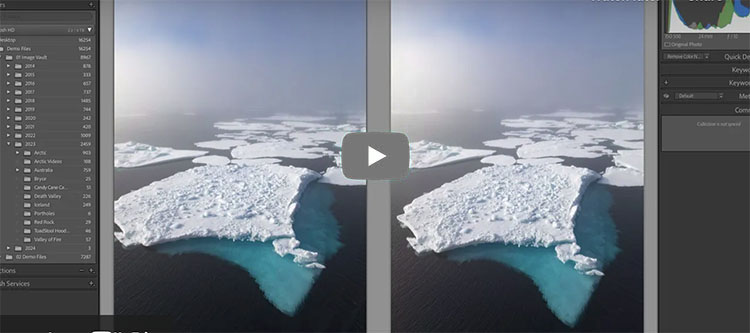
“Julieanne Kost demonstrates tips and techniques for using Lightroom Classic and Photoshop to crop, transform, and expand a photograph using Generative Fill to make a more balanced composition.”
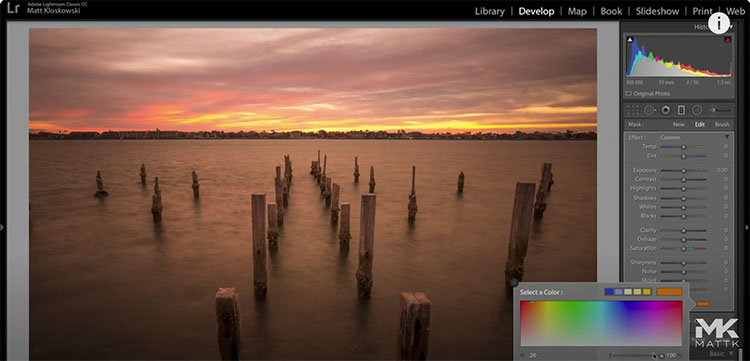
“In this video we’ll look at a little-known/used tool with the selective adjustments in Lightroom and Photoshop Camera Raw. It’s the Color tool and we’ll really dive in to how it’s different than just the normal white balance settings for changing or adding color to your photos.”
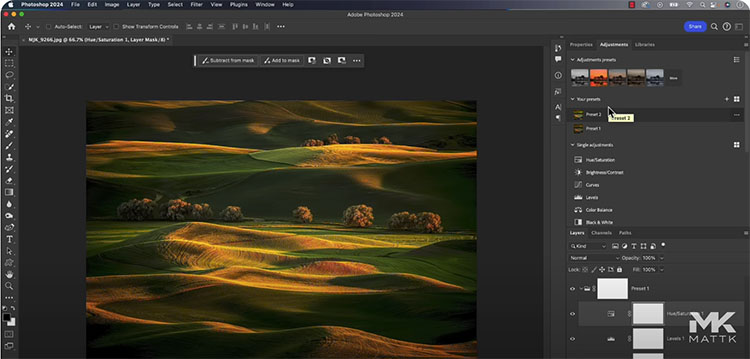
“Discover the brand new “Adjustment Presets” with a new update to create and export your own color grading presets! This is game-changing as it allows you to create presets that are insanely customizable in every aspect since they are just a group of Adjustment Layers. In this tutorial, we will learn what Adjustment Presets are, how to create them from scratch, how to export and import different color grading styles, and finally, understand the limitations of the tool.”
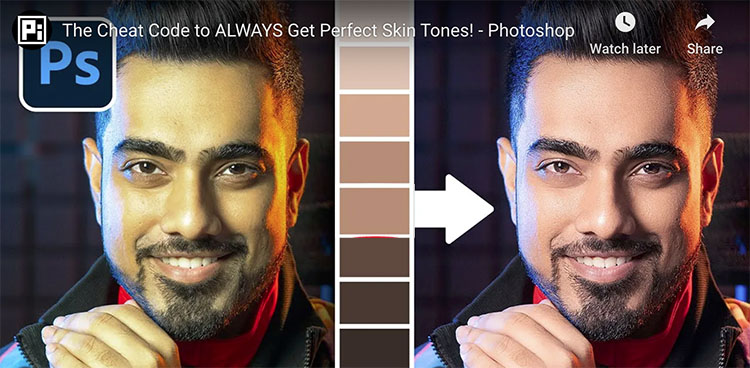
“Discover the incredible power of color palettes to always get the perfect skin tones in Photoshop! In this tutorial, learn how to get smooth and rich skin tones using sampling and Curves. We’ll also learn how to even out skin tones and prepare our image for retouching.”
00:00 What We’ll Learn
00:17 Example 1 – The Process
07:05 Example 2 – Easy Images
09:32 Example 3 – When it Doesn’t Work
10:23 Even Out Skin Tones
13:14 Finishing Touches
15:04 Quick Recap
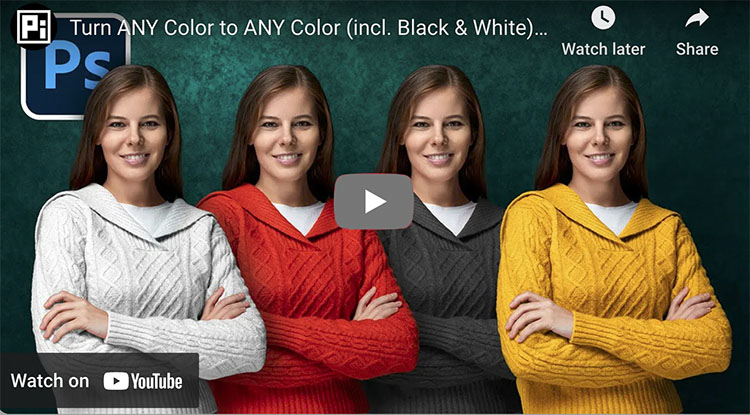
“Discover the Best Techniques to Change Any Color to Any Color in Photoshop! Whether you want to change blue to red, black to white, or white to anything you can think of, we will cover it all in this tutorial. Using the power and the right amount of Curves, Hue/Saturation, and Masking, learn easy ways to change color in every situation.”
00:00 The Problem with One Technique
00:34 Color to Color
03:41 Similar Color to Color
05:07 Color to Black or White
07:48 Major Announcement
08:23 White to Color
10:41 White to Black
12:35 White to Dark Color
13:01 Black to White
14:08 Black to Color
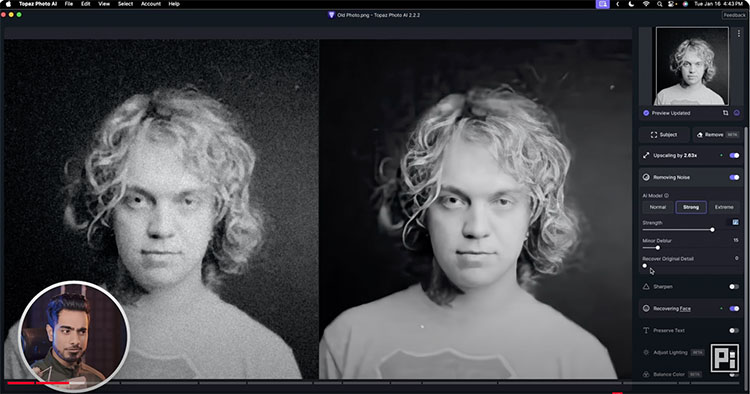
What’s the best tool to fix blurry photos? In this video, we compare the top 6 software and platforms to sharpen extremely blurry portraits and photos. From old noisy images to recovering out-of-focus areas, we will test it all. We‘ll also discuss which one is the best and learn a Photoshop trick to colorize black-and-white images. I hope this video helps. Thanks so much for watching 🙂
00:00 Intro
00:39 Topaz Photo AI
02:43 Remini
04:35 Fotor
05:44 Luminar Neo
07:19 On1 NoNoise AI
08:00 Canva
09:09 The Main Comparison
09:53 Image 1 – Noisy Old Photo
11:42 Image 2 – Slight Portrait Blur
14:43 Image 3 – Missed Focus Portrait
16:03 Colorizing the Photo
16:19 Which is the Best?
1. Topaz Photo AI: https://pix.live/photoai (Free trial available)
2. Remini: https://pix.live/remini (Free version leaves watermark and is limited)
3. Fotor: https://pix.live/fotor (Free version leaves watermark)
4. Luminar Neo: https://pix.live/luminartrial (Free trial available)
5. On1 NoNoise AI: https://pix.live/on1nonoise (Free trial available)
6. Canva: https://pix.live/canva (Can use for free)
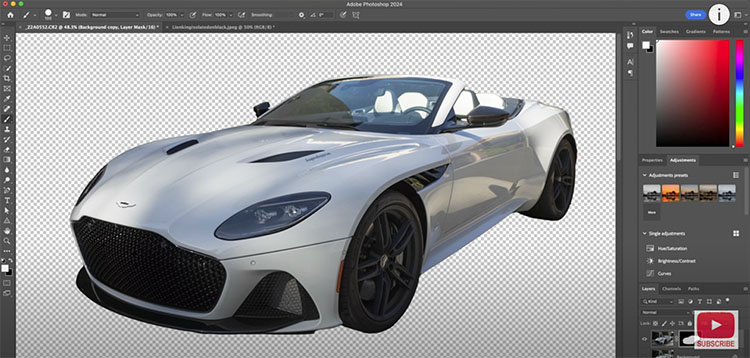
“How to use Select and Mask in Photoshop to cut out smooth edges. Colin Smith explains how Photoshop Select and Mask works part 2 of 2.” View part 1 of 2 here.
00:00 Intro
00:12 Making the selection around the car
01:02 Manually fixing details (The tools)
02:10 Additional Tools – Object selection and Lasso
03:02 Global Refinement Tools
03:33 Smooth Tool
03:45 Feather and Contrast. How they work in Photoshop
04:50 Shift Edge
06:17 Making further refinements with Masks
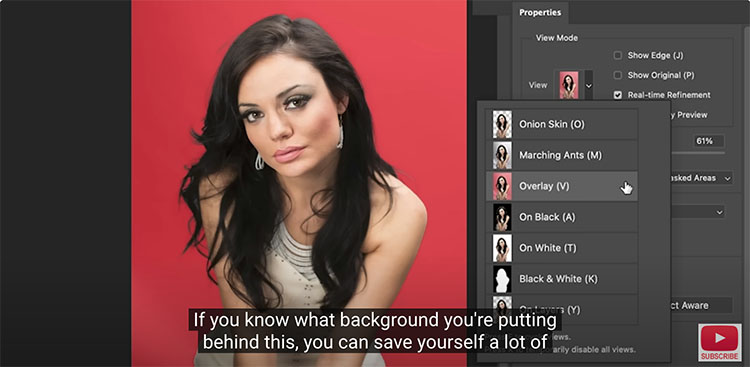
“How to cut out hair and fur in Photoshop, with perfect edges. Colin Smith completely explains Select and Mask in this Photoshop Masterclass. Part 1 of 2.”
00:00 INTRO
00:34 Cutout, bringing into Select and Mask
01:34 Viewing Modes
02:58 Awareness Modes
03:33 How Select and Mask Works
05:29 Best Way to refine hair selections
07:31 Fixing Jaggies and Smudgies
09:22 Saving selections
10:14 Fixing Smooth Edges
11:13 Combining different refinements
13:17 Fixing Fur
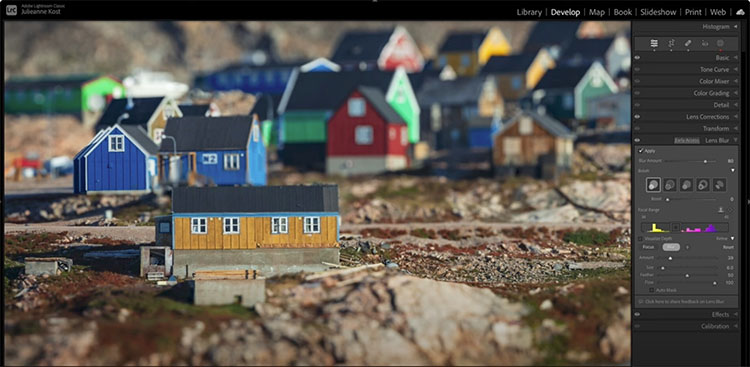
“With the help of artificial intelligence, Adobe Camera Raw & Lightroom Classic can automatically generate a synthetic depth map based on the content of an image, enabling photographers to change the focus plane and quickly create a “narrow” or “shallow” depth of field in an image. The video below demonstrates how to use Lens Blur, apply a Bokeh effect, visualize and customize the Depth Map, and use the Refinement brush.”