

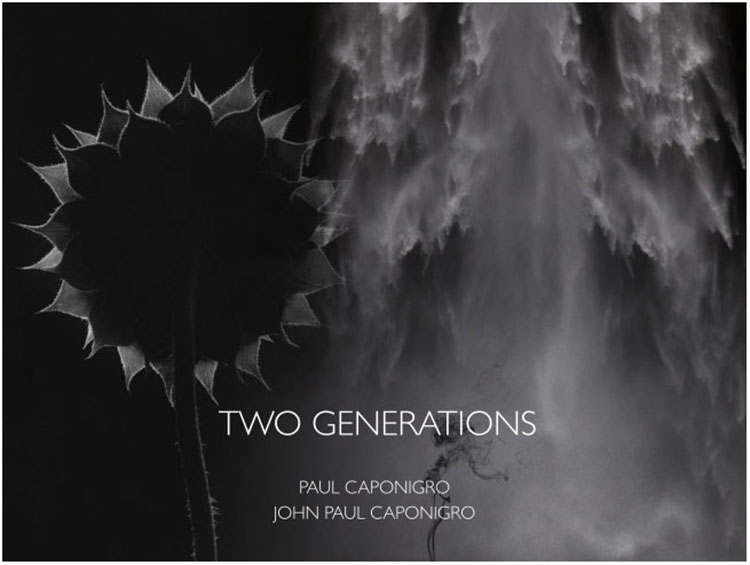
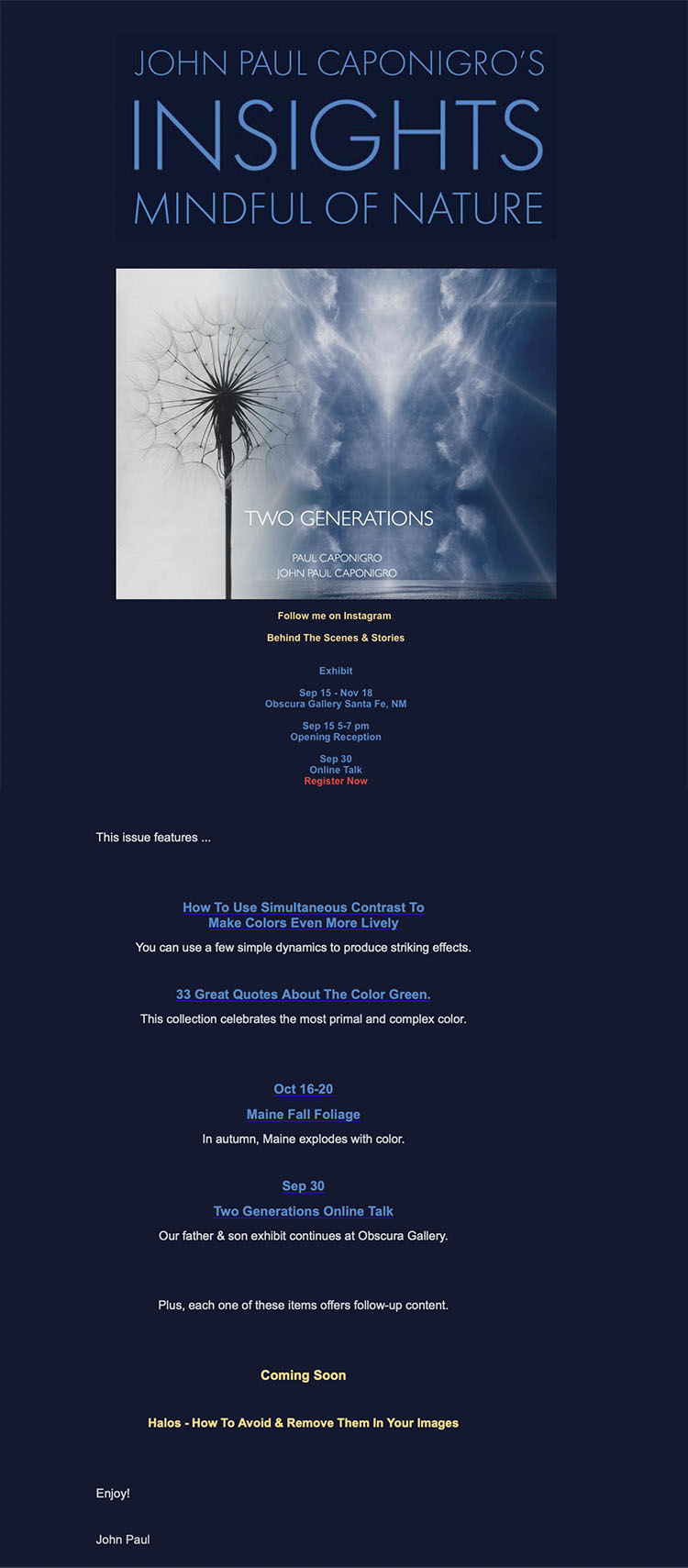
Two Generations: Paul and John Paul Caponigro – Feb 16 8pm EST Online With SFW
The Poet’s Corner & Maine Media Chapbook Contest 2022
The Poet’s Corner & Maine Media are holding their first Chapbook Contest.
The winner will receive a $1,000 prize and 20 copies of a limited edition chapbook letterpress hand-crafted by Maine Media Book Arts Studio.
The winning chapbook will be selected by the distinguished poet, Naomi Shihab Nye.
Open for entries from January 3 – February 28, 2022.
The Top 5 Reasons To Blur Your Images
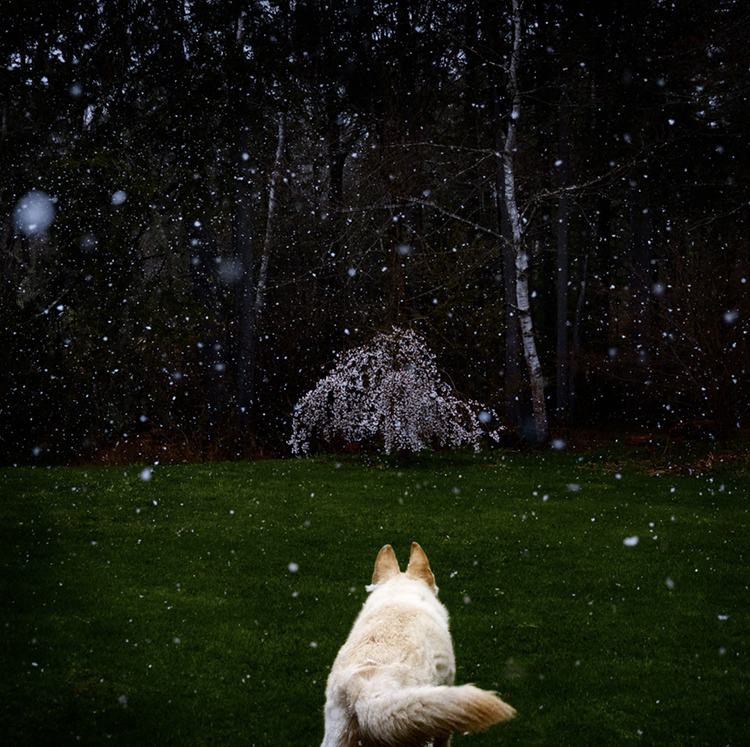
View more of Arduina Caponigro’s images here.
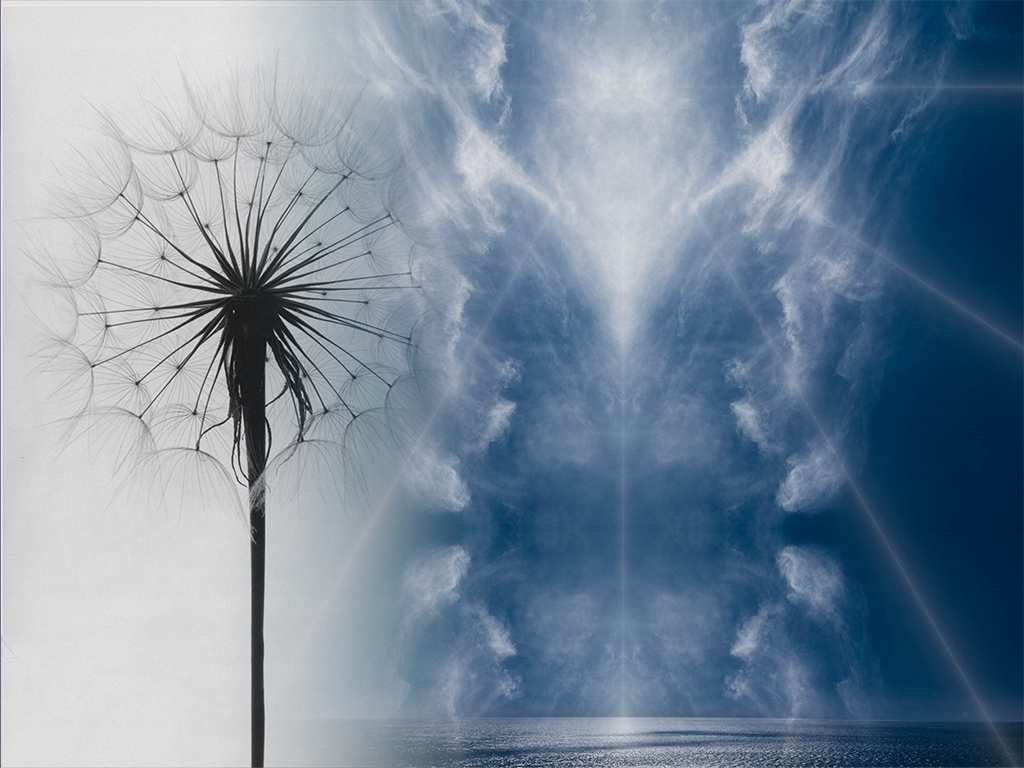
One of the best things about photography is that it records so much detail; one of the worst things about photography is that it records so much detail. The question becomes, “Is all of the detail in the frame significant?” and “Are the qualities of the information presented appropriate for the statement being made?” Photographers are obsessed with making sharp images and for good reason, if the main subject is out-of-focus it usually frustrates viewers – with a few notable exceptions. Sharp focus is often mistaken for good technique, when in fact it’s just a technique, sometimes better and sometimes worse. There is such a thing as too much of a good thing. Too much sharp information may become overstimulating. Overly sharp images grate on nerves, especially if digital sharpening artifacts draw attention to themselves and away from more important aspects of an image. So, it’s equally important to understand when to use blur, how much, what kind but most importantly why.
Here are five key reasons to use blur in images.
Focus Attention
You can make focussed areas seem even more focussed and important bey reducing the focus of other areas, a little or a lot. This is a classic move used frequently by portrait and street photographers when trying to emphasize people and reduce or even eliminate distracting background elements.
Accentuate Space
It’s not only focus but also its relationship to blur that gives us clues to depth-of-field or how deep a space we’re looking at. Increase the difference between the two and space within the frame is enhanced.
Enhance Mood
Texture has inherent aesthetic qualities like sharpness and softness that can greatly enhance an image’s mood. Just ask, how do you want an image to feel physically and emotionally?
Show motion
While photographs are by their nature still, life is constantly in motion, and you may want to record that. While the artifacts cameras produce aren’t the same as our bodies visual experience of motion they provide a range of visual codes that can suggest motion and can even be fascinating visual experiences in and of themselves, at times providing us new windows into the world, whether it’s the subject or the camera that moves.
Create Abstractions
By deemphasizing details you can direct more attention to the foundations of images. Go further and you can produce simplifications that are virtually unrecognizable and become new aesthetic experiences.
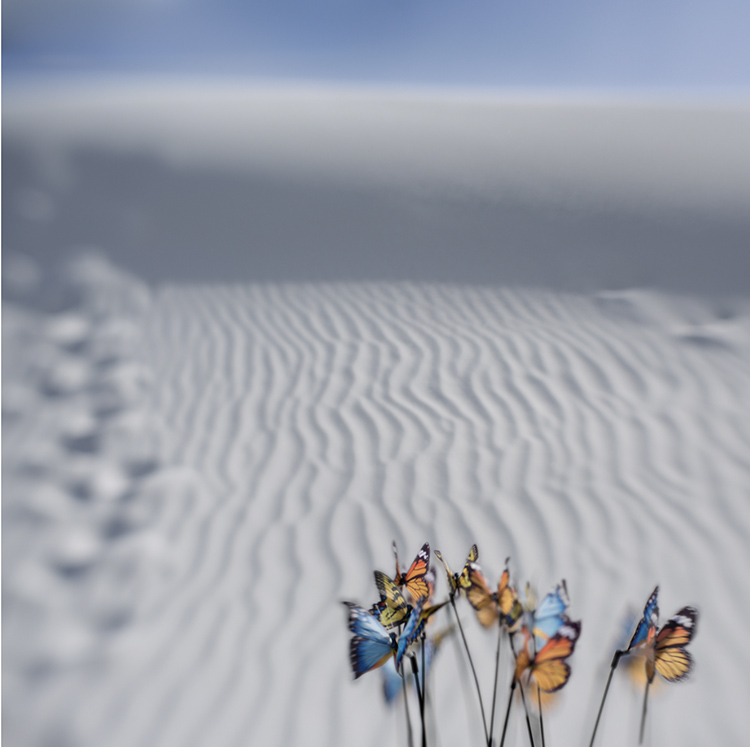
Detail is an essential element in every image but there’s a wide range of ways to treat it and reasons to do so. If you’re not sure what you prefer, explore many ways before committing to a solution that feels right to you. As you find that you’re called towards certain treatments ask why and how that’s serving the statements you’re making with your images. You may become more conscious of what you’ve found your way to unconsciously and in so doing discover more about how your style reveals your vision and aspects of yourself.
Don’t forget to explore your digital options. There’s a wealth of new exposure combinations and digital post-processing techniques that may serve you well. If you find you prefer analog processes and effects, ask yourself why. Your answer may be significant even revealing to you and your audiences. What you choose not to do can be just as revealing as what you do. Just make it intentional.
Read more about Blur.
Learn more in our digital photography and digital printing workshops.
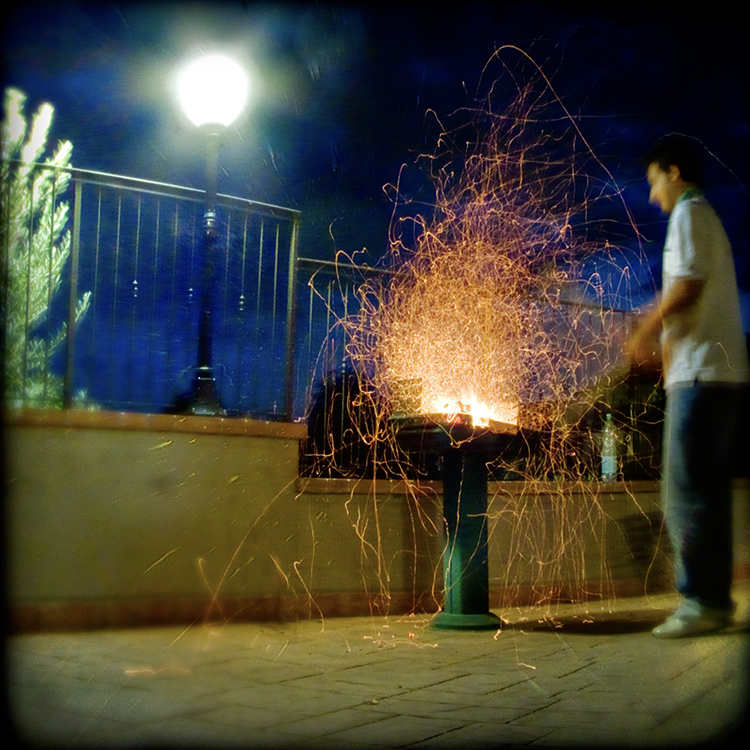
How To Combine Focussed & Defocussed Images Using Photoshop
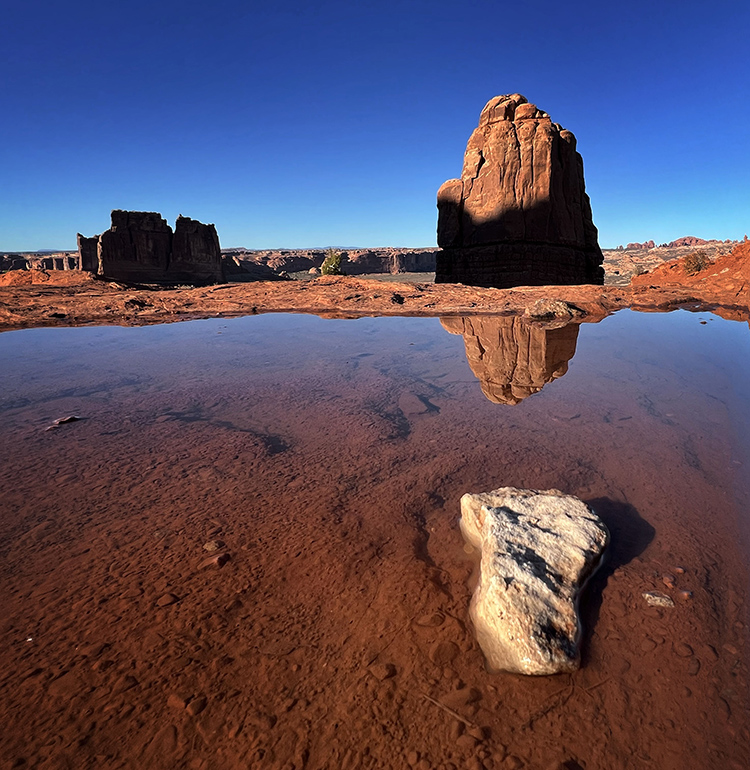
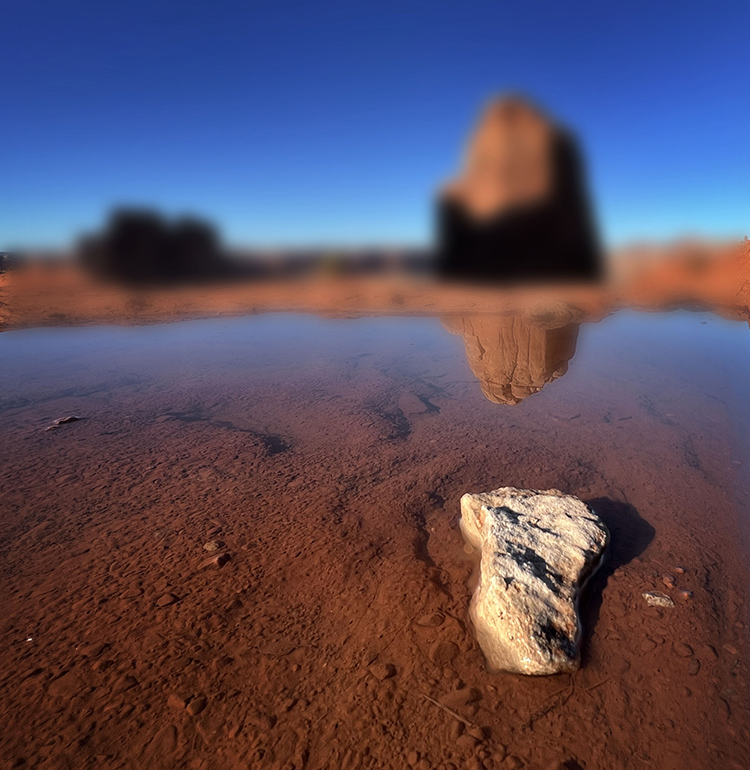
In & Out-Of-Focus Mixed
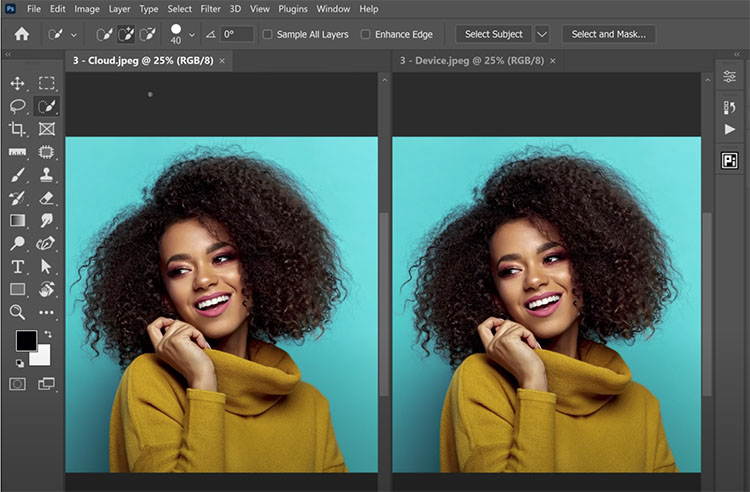
Combining in and out-of-focus images with Photoshop is a simple matter of placing tow versions of the same image on separate layers.
If you’re simulating an out-of-focus image using blur filters in Photoshop this takes one step. Use the Layers menu and select Duplicate Layer or in the Layers palette drag the layer to the Create a new layer icon ( + ). The two layers will be perfectly registered. The top layer is ready for blurring.
If you’re combing separate exposures of the same image that are in and out-of-focus add a couple more easy steps.
Enjoy Sandra Chandler’s New Project Salt – Website, Book, Exhibits
SALT
February 4th – March 31st, 2022
Artist Reception: TBD
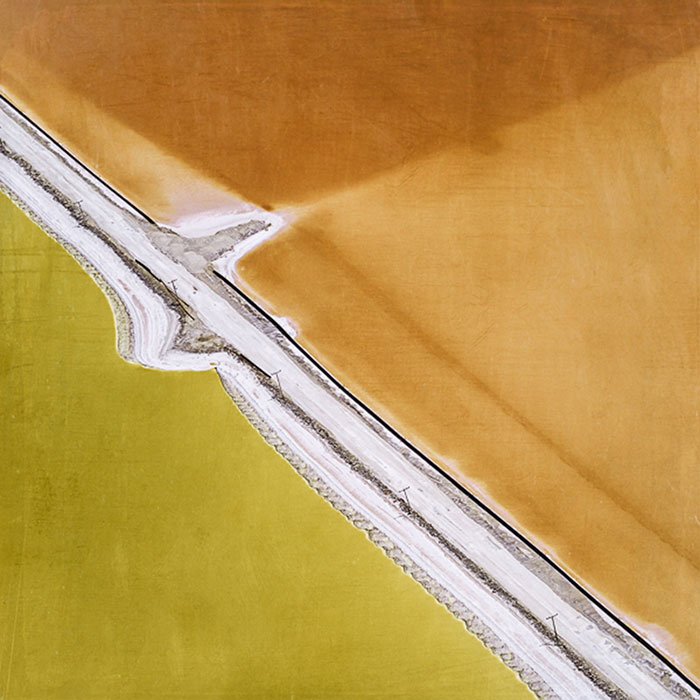
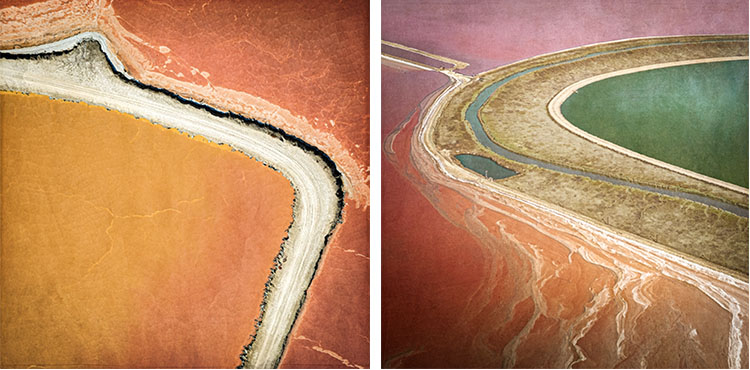
Sandra Marill Chandler’s new body of work juggles abstraction and realism. Her aerial interpretation of unexpected color patterns is based upon the salt evaporation basins of the San Francisco South Bay. It illustrates the brilliant hued pockets and tactile textures that are ever-changing.
Chandler grew up in San Francisco traveling frequently via the San Francisco International Airport. “I have always been captivated by the South Bay salt pond’s vibrant colors, captivating textural shapes and intriguing graphics as seen from airplane windows. As I have grown as a photographer, I have become attracted to aerial landscape photography and have come to appreciate a fresh perspective of our earth.”
“I strive to make photographs balanced between abstraction and realism aspiring to create colorful explosive images with noteworthy details. These photographic moments prompt a sense of space, a moment of drama and new ways of perception – for us all.”
A Grand Overview Of Photoshop’s Blur Filters
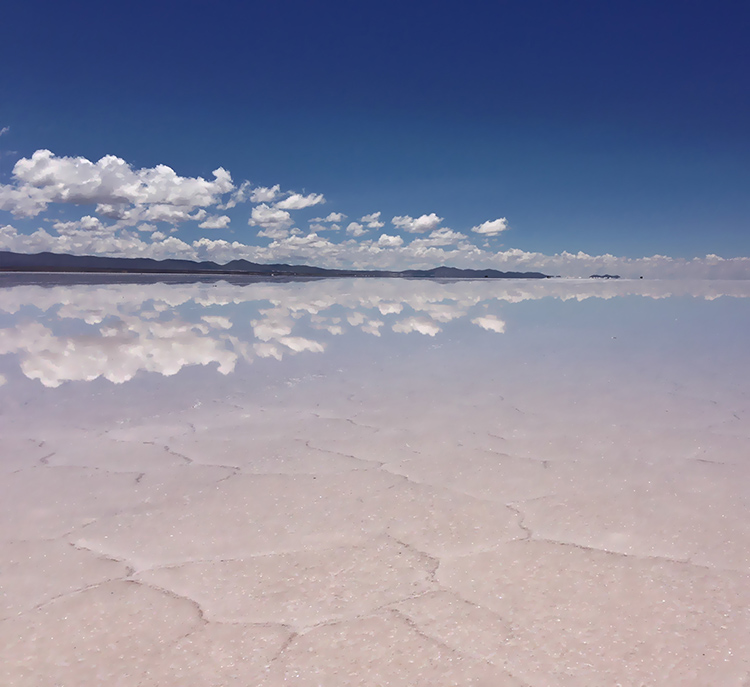
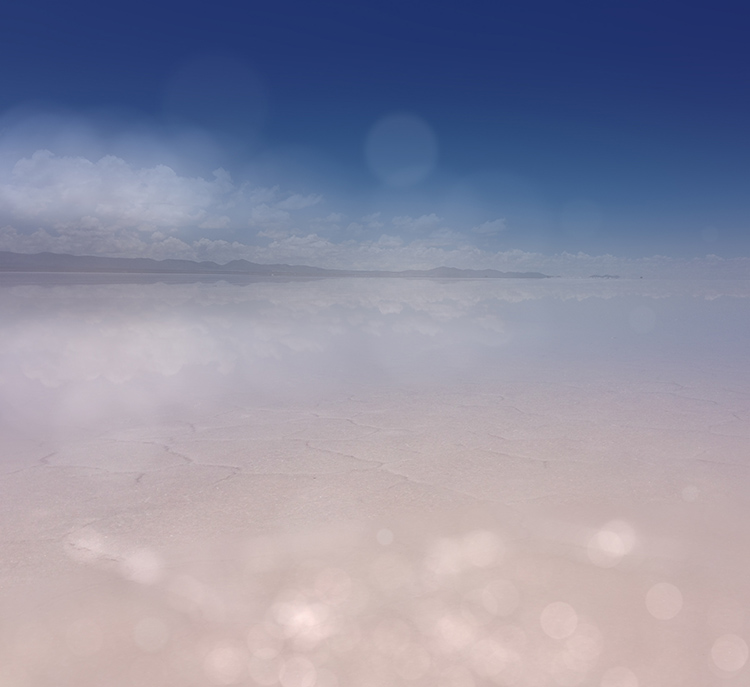
Photoshop Blur Filters
There are many reasons to explore blur in your images; remove distractions, direct attention, enhance space, modify mood, and add interesting visual artifacts are six among many. Blur can be controlled at the point of capture and in post-processing. Thoroughly understanding your post-processing options will help you make choices about when and how to control blur in your images before, during, and after exposure.
When it comes to post-processing blur, you’ve got options! Photoshop currently offers fourteen filters; Field Blur, Iris Blur, Tilt-Shift, Average, Blur, Blur More, Box Blur, Gaussian Blur, Lens Blur, Motion Blur, Radial Blur, Shape Blur, Smart Blur, Surface Blur - in order of appearance in the Filter: Blur drop-down menu.
At first glance, the list is overwhelming. Where do you start? Get started with this quick survey of available options.
3 Ways To Enjoy My Free Content
1
Weekly
First Looks
one item emails
when posts are made
2
Monthly
Insights
access to Members Only resources
new content highlights, special events, and more
3
Semi-Annual
Mindful Of Nature
new images and the stories behind them
new releases, videos, viewing rooms, talks, exhibits, catalogs, and more
Sign up for Mindful Of Nature here.
+
1
Fast & Easy Ways To Blur Image Backgrounds in Photoshop
How To Create Sophisticated Motion Effects With Photoshop’s Path Blur
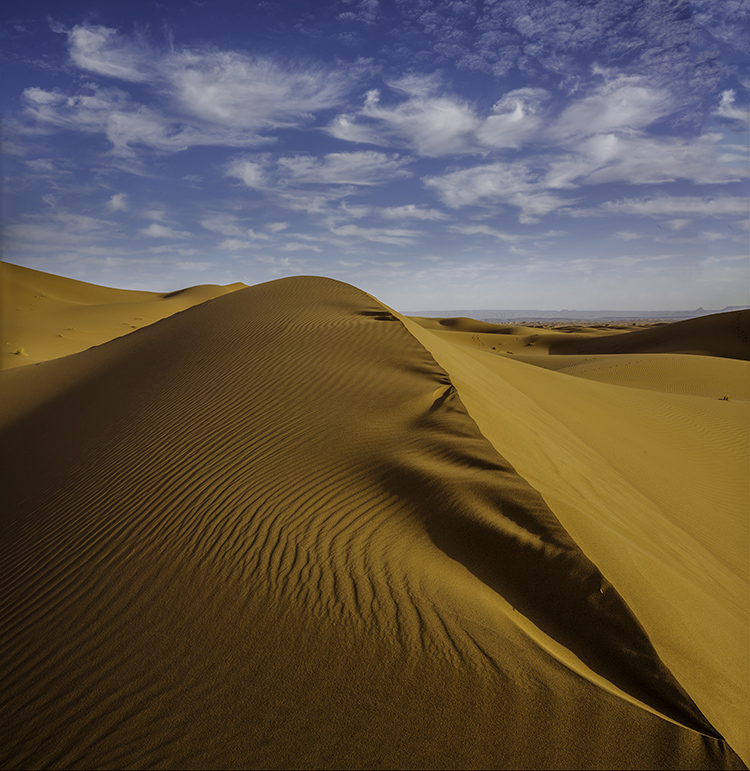
Photoshop CC’s recent addition to its Blur Gallery, Path Blur offers a creative and flexible way to add directional motion to your images in post-production. It’s astonishing! You’ve got to try it to believe it – and to truly understand it.
The Blur Gallery now has five effects (Field Blur, Iris Blur, Tilt-Shift, Path Blur, and Spin Blur) that can be controlled from a single panel. Once you’ve accessed one, you can quickly access the others at the same time enabling you to create complex blur effects in a single stop. Path Blur alone is capable of delivering lots of complex motion effects with one simple path.
Before applying Path Blur, consider using a Smart Object to make the filter non-destructive, re-editable, and maskable. (I recommend you acquire Raw files as a Smart Objects but in cases where you can’t, such as cases that involve merges or stacks or major retouching, convert your Background layer to a Smart Object – Layer: Smart Objects: Convert To Smart Object.)
To apply the filter follow this path - Filter: Blur Gallery : Path Blur. The Blur Gallery panel will appear, offering you five extraordinary sliders and multiple points of control.